
Embedded Internal AI Agents: A Practical Guide to Deployment, Data Boundaries, and Governance
Enterprise buyers don't just evaluate what an agent can do. They evaluate where it runs, what it can access, what it logs, and who controls it.
2026-02-20 · 7 min read
What this is
A practical guide for deploying internal AI agents inside the AI interface your employees already use, with clear data boundaries and a governance checklist.
Small description
Enterprise buyers don't just evaluate what an agent can do. They evaluate where it runs, what it can access, what it logs, and who controls it.
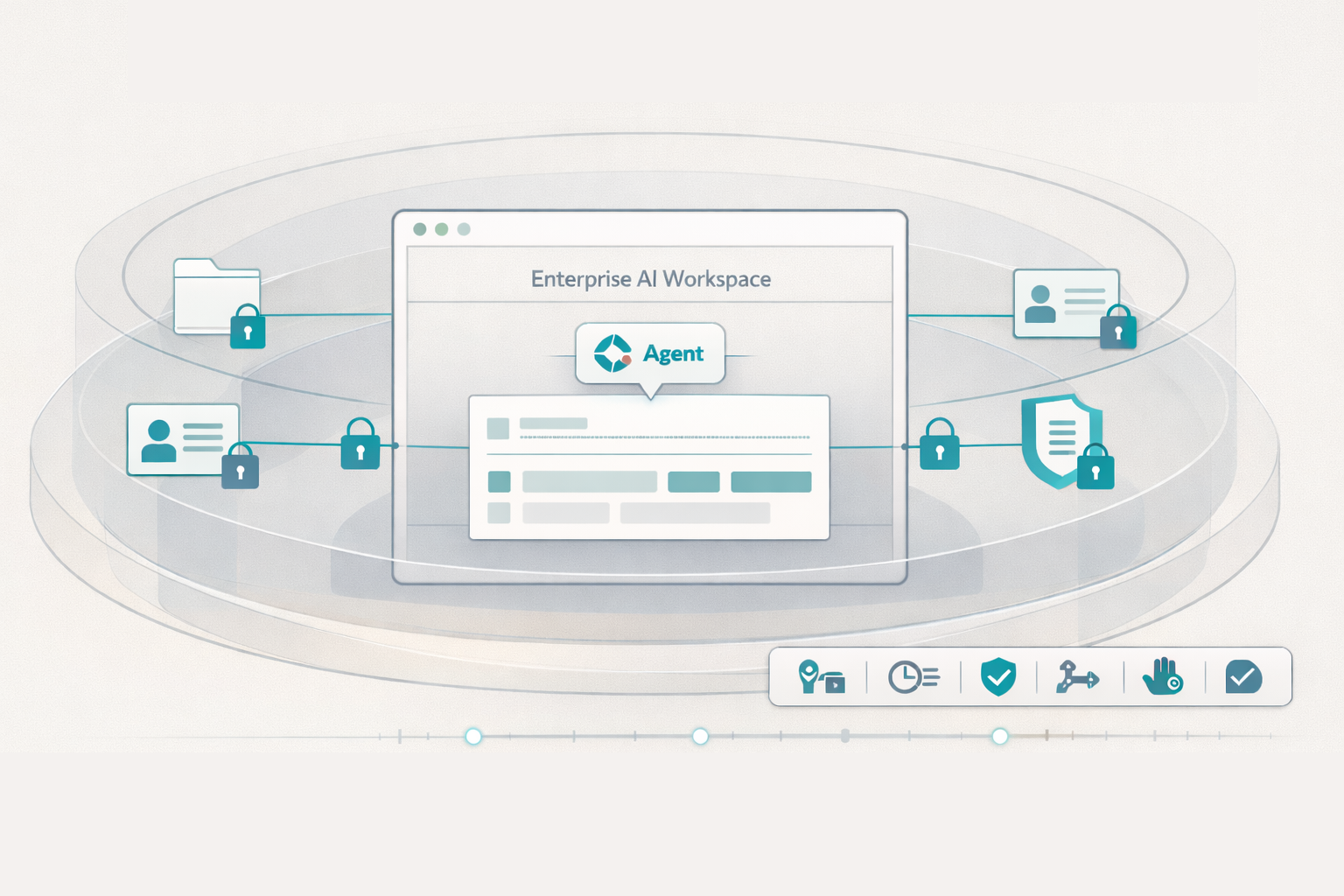
Most “AI agent” demos focus on capability: summarize, extract, draft, decide. In the real world, buyers get stuck on deployment: where the agent lives, which identity it uses, what it can pull from corporate systems, and how it's governed.
That's why embedded agents matter. Not as a buzzword, but as a control surface. If your agent runs inside the company's existing AI interface, it can inherit enterprise guardrails (identity, retention policies, audit controls) instead of creating a new silo.
Below is a clear way to think about “embedded,” what “data boundaries” actually mean, and how to govern internal agents safely.
Why agents should live inside your company's AI interface
Enterprises already have “front doors” employees trust and IT can govern: Microsoft 365 Copilot, ChatGPT Enterprise/Business, Claude for Work, Gemini in Workspace, and similar enterprise AI surfaces.
When agents live inside those interfaces, you typically get:
- Faster adoption: no new portal, no new login, fewer workflow changes.
- Cleaner control: identity, access, and policy enforcement are closer to your existing enterprise stack.
- Less data sprawl: fewer places where prompts, files, and outputs can end up.
This matters because the risk isn't only “the model.” It's the system around it: permissions, connectors, retention, human review, and the audit trail.
Enterprise AI vendors increasingly describe this boundary explicitly, for example Microsoft describes Copilot prompts/responses as staying within the Microsoft 365 service boundary, aligned to their privacy/security commitments. [1]
Data boundaries: what “stays in your environment” actually means
“Stays in your environment” is often used loosely. In practice, you should break it into three boundaries and verify each one.
1) Training boundary
Question: Will your inputs/outputs be used to train the provider's models?
Many enterprise offerings state “no” by default for commercial usage. For example, OpenAI states it does not train on inputs/outputs from business products like ChatGPT Enterprise/Business by default [2]. Anthropic states it will not use inputs/outputs from commercial products (e.g., Claude for Work, API) to train models by default [3]. Google's Workspace guidance similarly describes interactions with Gemini staying within the organization, and content not used for model training outside the domain without permission [4].
What to verify: contract terms + admin controls + any opt-in pathways.
2) Access boundary
Question: What data can the agent retrieve, and under which identity?
This is where most incidents come from: overly broad permissions, “everyone can see everything” connectors, or agents that accidentally traverse sensitive folders.
What to verify:
- The agent uses least-privilege access (role-based, scoped to teams/projects).
- Retrieval is tenant-aware and respects document ACLs.
- Sensitive repositories (HR, Legal, Security) require explicit allowlists.
3) Retention & logging boundary
Question: Where are prompts, retrieved snippets, and outputs stored, and for how long?
Even when training is off, retention may still exist for operations, abuse monitoring, or enterprise discovery needs. You need clarity on retention duration, where logs live, who can export them, and how you can delete them.
Practical rule: treat prompts + retrieved context + outputs as a record unless proven otherwise.
What “embedded” looks like in real workflows
An embedded agent is less like “a chatbot with tools” and more like a repeatable micro-workflow: defined inputs, bounded retrieval, structured outputs, and logs.
Here are three enterprise-grade examples (TenderMind-style), with the operational intent made explicit.
Example 1: HR interview questions (candidate-specific)
- Upload Job Description (+ optional rubric).
- Upload one resume at a time.
- Choose interview round (screen, hiring manager, panel).
- Output: a concise prep doc with 5-7 tailored questions aligned to JD + round.
Why embedded matters: You want consistent question quality and a traceable link from question to JD requirement to resume evidence.
Example 2: Procurement bid evaluation to Excel
- Upload multiple vendor proposals.
- Agent extracts line-item pricing and key terms.
- Standardizes into a bid template.
- Output: an Excel comparison workbook with formulas + price-only scorecard.
Why embedded matters: Procurement teams need repeatability and auditability (what was extracted, from where, and how it mapped).
Example 3: HR batch resume screening (up to 20 per batch)
- Upload JD (+ optional rubric).
- Evaluate up to 20 resumes per batch.
- Output: consistent scorecard, strengths, gaps, match label, and a rolling ranked summary table.
Why embedded matters: Consistency and fairness depend on a stable rubric, controlled prompts, and the ability to audit decisions later.
Governance checklist for deploying internal AI agents
Use this as a deployment gate. If you can't answer an item, treat it as a blocker, not “we'll fix it later.”
Identity & access
- Agent runs under a defined identity (service principal / delegated user) with least privilege
- Data sources are allowlisted (not “connect everything”)
- The agent respects document ACLs (no permission bypass)
Data handling
- Training policy confirmed for the enterprise plan (and any opt-in paths documented) [2]
- Clear retention policy for prompts/outputs/logs; deletion process verified
- Sensitive data rules enforced (PII, HR, legal privilege, security secrets)
Outputs & evidence
- Outputs include evidence links (file + section/page/quote references where possible)
- “No-answer” behavior defined (when evidence is missing or conflicting)
- Human review step defined for high-risk outputs (HR decisions, policy interpretations)
Change control
- Prompt/workflow versions are tracked (who changed what, when, why)
- Eval tests run before rollout (golden set + regression checks)
- Rollback plan exists
Audit & incident response
- Activity is logged: inputs, retrieval sources, outputs, user actions
- Exportable audit trail for compliance and investigations
- Playbook for data exposure, hallucinated output, or misuse
Decision framework: embedded agent or standalone app?
- If the workflow touches controlled corp data (HR, procurement, compliance): prefer embedded.
- If users must collaborate in the same governed workspace and you need audit trails: prefer embedded.
- If the agent requires custom UI/automation beyond what your AI interface supports: standalone may be necessary, but enforce SSO, logging, and strict connector scoping.
- If adoption is the main risk: embedded wins by default.
TenderMind POV: “embedded” is about evidence + control
At TenderMind, we treat embedded agents as governed workflow components, not free-form bots.
- Evidence-linked outputs: interview questions and procurement comparisons map back to source evidence.
- Deployment inside enterprise AI surfaces: agents appear where employees already work.
- Auditability by design: every run can be traced through inputs, retrieval, transformations, and outputs.
This is especially valuable in document-heavy work: procurement evaluations, HR screening, compliance Q&A, and recurring reporting where “show your work” matters as much as speed.
What we're exploring next
We're pushing deeper on agent governance that scales: policy packs by department, automated regression tests for rubric-based evaluations, and stronger evidence rendering (page/quote-level citations across mixed file types).
If you're deploying internal agents this quarter, we can share a ready-to-use governance checklist and walk through how an embedded approach changes your risk profile without slowing delivery.
Further reading
Deploy internal agents without compromising governance
Want a practical rollout plan? We can share a deployment checklist and map it to your current enterprise AI setup.